


Members-only perks


08/08/2024 • 5 min
Understanding the Reservation Process Can Help to Reduce Availability Anxiety
If you've got a bad case of availability anxiety when it comes to car rentals, Hertz can help. Find out how to reserve car rentals and get driving today.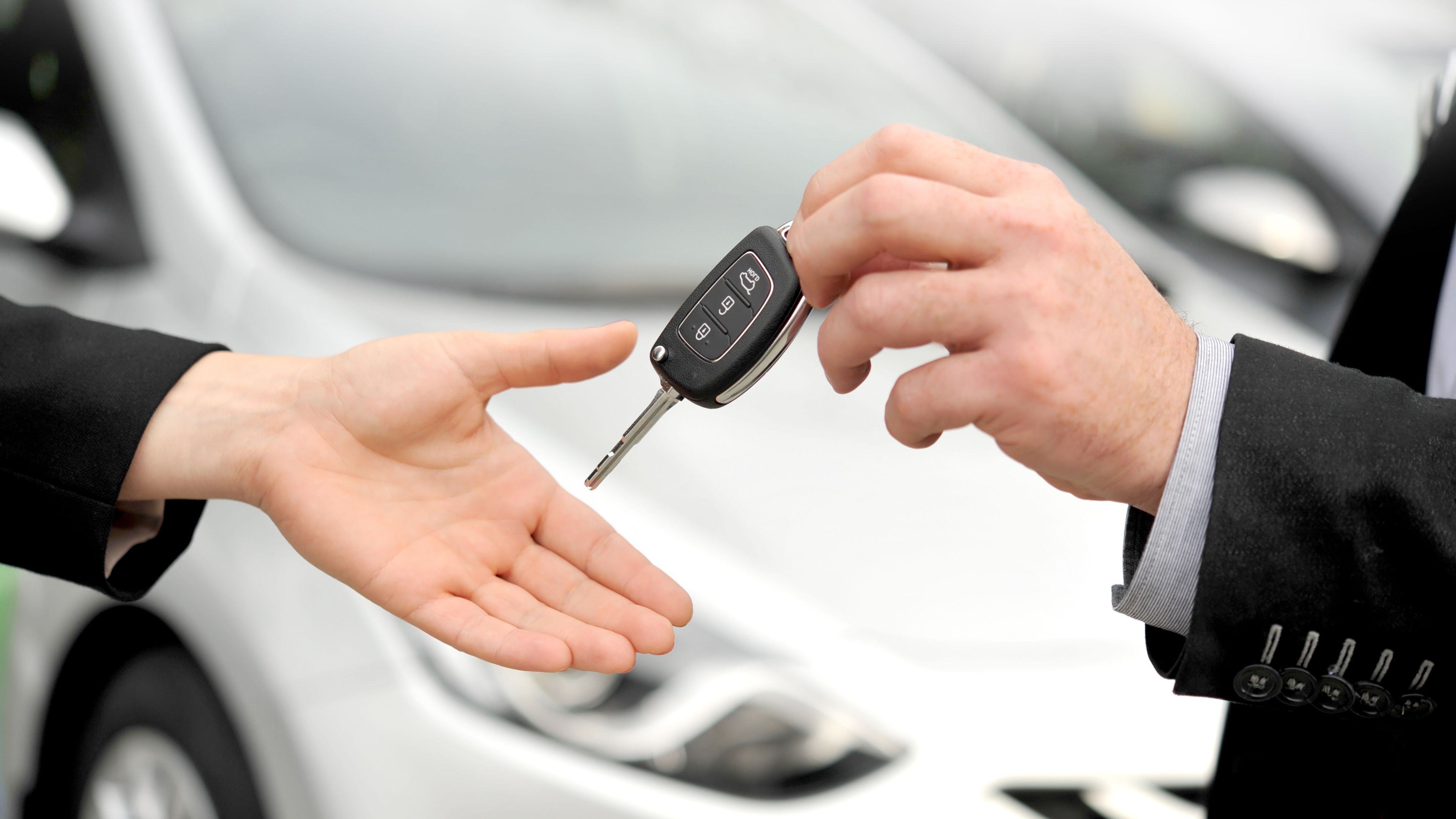
There are plenty of reasons why you might need to reserve a rental car. You might need help with a move, be going on a trip for business or pleasure, or just need an extra car for a few days.
If you’re the person reserving a rental car, you need to know the car rental reservation system - so you can just pick up your car and get on your way. You don’t want to start a trip getting frustrated that the rental isn’t ready, or you need additional paperwork. If you can understand the process, your pickup will run much smoother, and you can have peace of mind that your trip will get off to a good start.
In this article, we’ll run through each step of the journey, from booking and choosing the right car, to picking it up and dropping it back off at the end of your trip.
Take a look to understand all you need to know about Hertz rental car reservations.
Making a Reservation with Hertz
It’s really easy to make your reservation with Hertz. You can do it:
- in person at a Hertz counter
- over the phone
- online.
Each step is straightforward so don’t worry if you need help when booking online. Just call us and we can talk you through it.
- Step One: When you reserve a rental car, start by telling us where you want to pick it up from. This could be in another city, state or even country. You’ll also need to tell us the date and approximate time you’d like to pick it up.
- Step Two: Then, put in your drop-off date and time and let us know if the location is the same as the pick-up point.
- Step Three: From there, you will be able to pick the type of car you want to book, according to your needs. You’ll also be able to let us know whether you’re prepaying for the car before you arrive or at the pickup location before you get the keys.
Car rental reservations have never been easier, thanks to Hertz.
Picking Up Your Hertz Rental Car
When you arrive at the Hertz counter or branch to pick up your car, there are a few things you should know, so your experience is quick and free of stress.
Make sure you arrive with all the relevant information you’ll need:
- your booking confirmation
- your ID
- your credit card.
The customer service advisor will need to see your driver’s license and credit card to make sure everything matches the booking.
There are some things to consider when you come to collect your car:
- Please ensure you turn up for your reservation on time - we like to make sure everyone gets everything they need during their slot. We also want you to have plenty of time to ask questions, check your booking and make us aware of any issues.
- When you pick up the car, it’s a good idea to check over the rental agreement before you sign and ask questions about any additional optional services that we might offer, such as prepaid toll passes or prepaid fuel cards to get you around.
- When picking up the vehicle, we recommend a walk around the vehicle. Take note of anything you see including scratches or small dents. You should make sure if there is anything that photos are taken by you and the customer service advisor, and that everything has been recorded before you drive away.
Returning Your Hertz Rental Car
Your trip is over, and although you’ve had a great time, it’s now back to reality. First things first, handing back the rental car. When you’re going to return your vehicle to the Hertz branch or counter, we ask that you fill up the gas tank as this will help the next customer.
Please return your vehicle to the agreed location, allowing plenty of time for traffic and our end-of-rental checks. We’ll also confirm with you any additional charges or fees that are applicable, and also factor in time to sign the rental agreement. Once all the paperwork is done and the car has been checked, you’re good to go.
Understanding Hertz's reservation policies
When you book your rental, you will get a copy of our reservation policies. These include how to change or cancel your booking, how to pay or get a receipt/invoice, and what to do if you need a refund. Just let us know if you need a bit more guidance on our car rental reservation process.
Any changes or cancellations can be done through your profile on the Hertz website. If you wish to change the card which you’ll be using to pay for your reservation, the booking will need to be canceled and re-booked.
Any refunds will be made within 5-10 working days back into the account for the card on file with us.
FAQs about Hertz car rental reservations
Can I rent a car for someone else?
No, we will need the main driver and booking contact to be the person who will be picking up and paying for the car. You can add additional drivers if you need to, by modifying your booking online.
Can you cancel a rental car reservation?
Yes, of course you can cancel a rental car reservation. If you no longer feel you need to hire the car or you wish to cancel to rebook with a different card, just let us know at least 48 hours before pickup.
Is it better to reserve a rental car in advance?
Yes, you know then that we’ll have the car you want when you want it. It is always better to be safe than sorry.
When is the best time to reserve a rental car?
If possible, try not to reserve a car first thing in the morning, or just before the branch closes. Mid-morning or mid-afternoon are our best times and it means we have enough time to get everything ready for you.
Are car rental reservations guaranteed?
The make and model of the car booked are not guaranteed. But we will provide a similar style for your booking.
Can a car rental company cancel your reservation?
We will not cancel your rental car reservation. However, we will charge cancellation fees, late fees and no-show fees accordingly.
Related Articles

Renting a Car for Someone Else With Hertz
Rent a car on behalf of someone else with Hertz. Learn more about how the process works, additional driver fees and how to add drivers to your agreement.

Call of the Wild: Best American Wildlife Vacations
Enjoy the best that the American wildlife has to offer. A safari experience close to home, see big cats and jungle animals with your Hertz Car Hire today.

How to Pay for Your Car Rental
When it comes to renting a vehicle from Hertz, it's important to know what the accepted payment methods are and if there are any significant differences between them. This knowledge can make your rental experience smoother and get you on the road faster.
