


Rideshare Opportunities


Dollar Day is Here! Rent 4+ days, get 5th day for just $1*.
View OfferGet 1 FREE rental day
View deal


Become a business rewards member! Get 20% off car rentals and added perks!
Explore business rewardsMembers-only perks

Skip the line and enjoy your ride
Skip the line, choose your ride, and go.

Earn points to redeem for FREE rental days
Members earn one point for every dollar spent.

Level up to the highest membership tier
Explore 3 different membership tiers and their benefits.
Jump to a topic
Within 24 hours of your pickup, you will receive an email to activate your account in the Hertz Maintenance Portal.
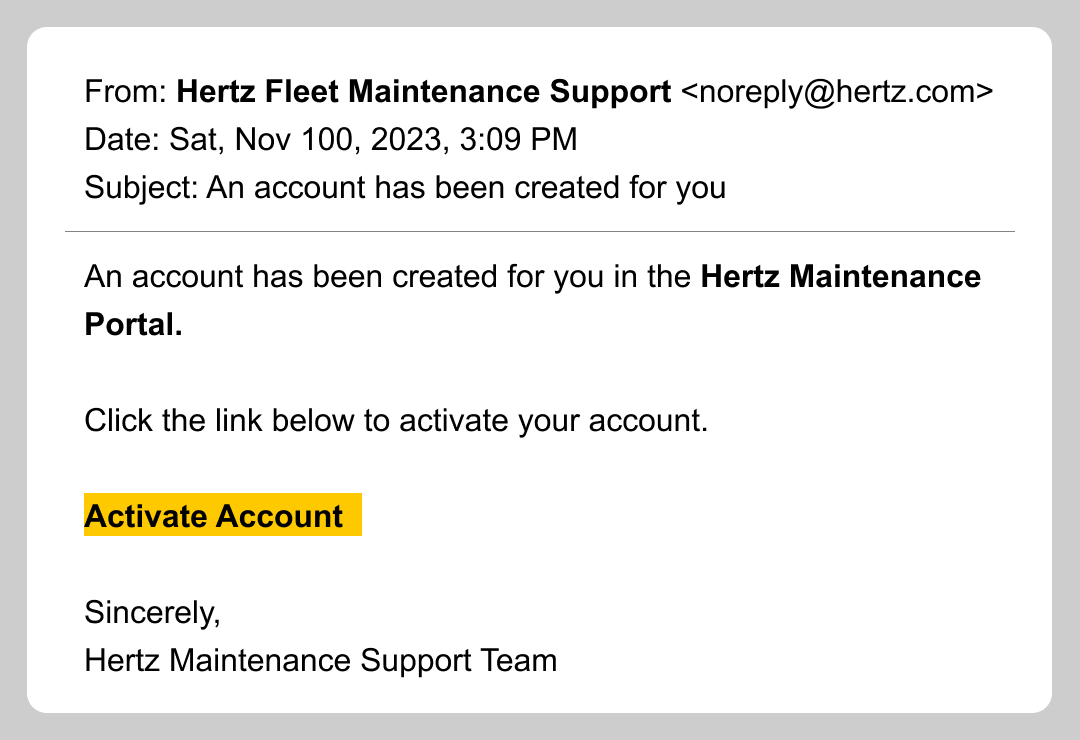
It is important to activate your account quickly before the link expires!
You’ll receive periodic email or text reminders to log in and update your odometer reading to help you track when your next service is due.

You’ll then receive a voucher to go to a specific, Hertz-approved repair location. If you take it to a different location, you will not be reimbursed.
This system is designed to help help you drive more, earn more, and worry less! Questions? Reach out at HertzTNC@hertz.com.
Hertz will not reimburse drivers for unapproved services, or for earnings lost during maintenance periods.
How do I report damage or an accident on my rental?
- If it’s an accident or another party is involved, call 9-1-1 to report the accident. For your protection, when the police arrive, file a police report and keep a copy for the insurance claim. Filing a police report is mandatory, and listing in our Terms and Conditions.
- If you're unable to file a police report, take photos and videos, and write down the name, phone number, and vehicle registration of any other people involved.
- Report the accident to Uber in your Uber app. They will also ask for photos.
- No matter if the damage is small or large, bring the car immediately back to your rental location during business hours. They can help you complete a Hertz report and advise on next steps. Do NOT take the damaged car to a repair shop.
- Or, if you can't drive the car, call 24/7 Hertz Emergency Roadside Assistance at 1-800-654-5060. We recommend saving this number in your phone.


